Mastering Mobile Videography Techniques


Understanding the Basics of Mobile Videography
With the rise of smartphone technology, mobile videography has become an accessible and powerful tool for content creators. Whether you're a budding filmmaker or a social media enthusiast, mastering mobile videography can significantly enhance your storytelling capabilities. The key is to understand the fundamentals and leverage the technology at your fingertips.
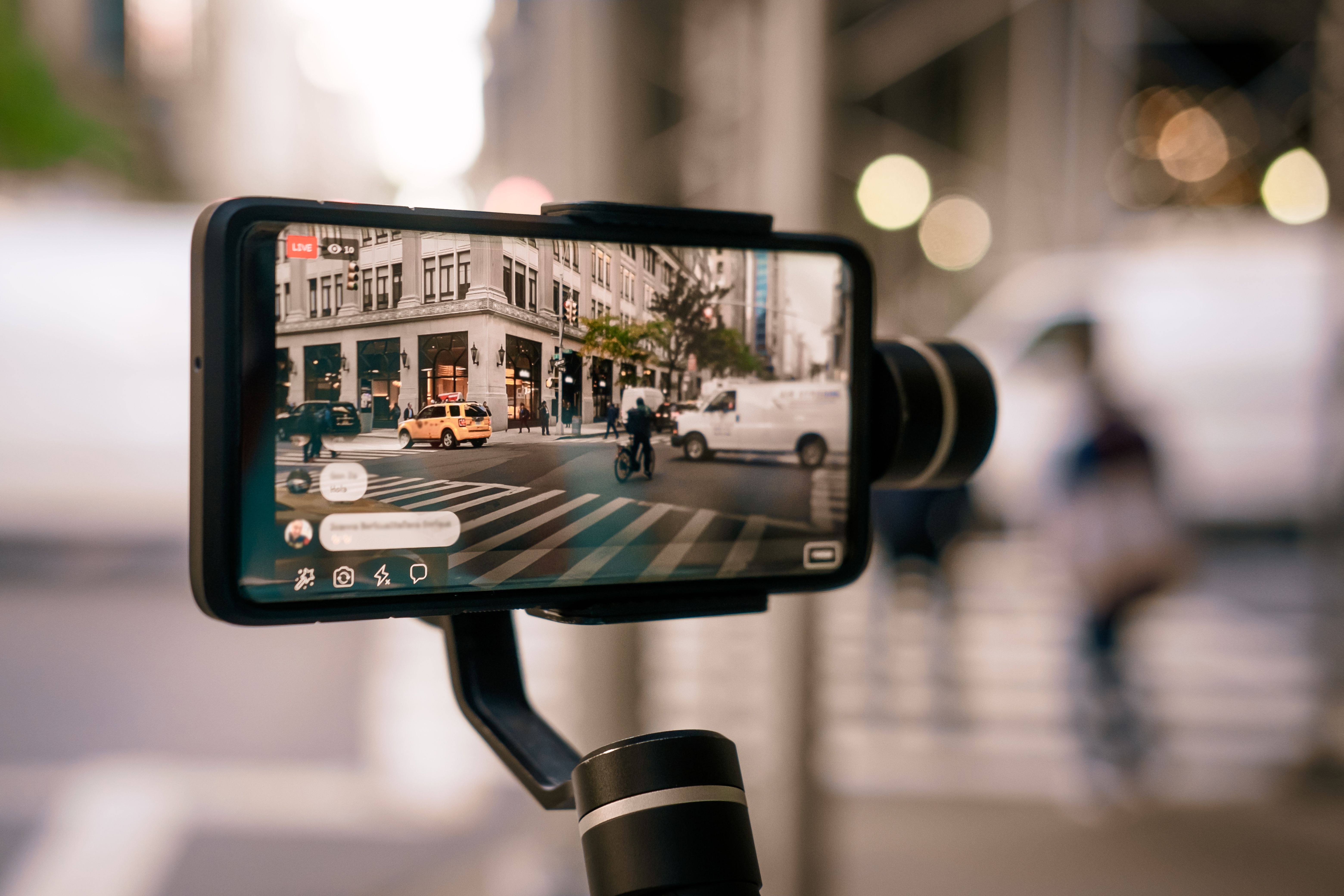
First and foremost, it’s crucial to become familiar with your smartphone's camera settings. Experiment with different resolutions like 1080p or 4K, and understand the impact of frame rates on your footage. Higher frame rates, such as 60fps, are ideal for capturing fast motion smoothly.
Stabilization Techniques
One of the most common challenges in mobile videography is achieving stable footage. Shaky videos can be distracting and diminish the viewer's experience. Fortunately, there are several techniques and tools available to help stabilize your shots.
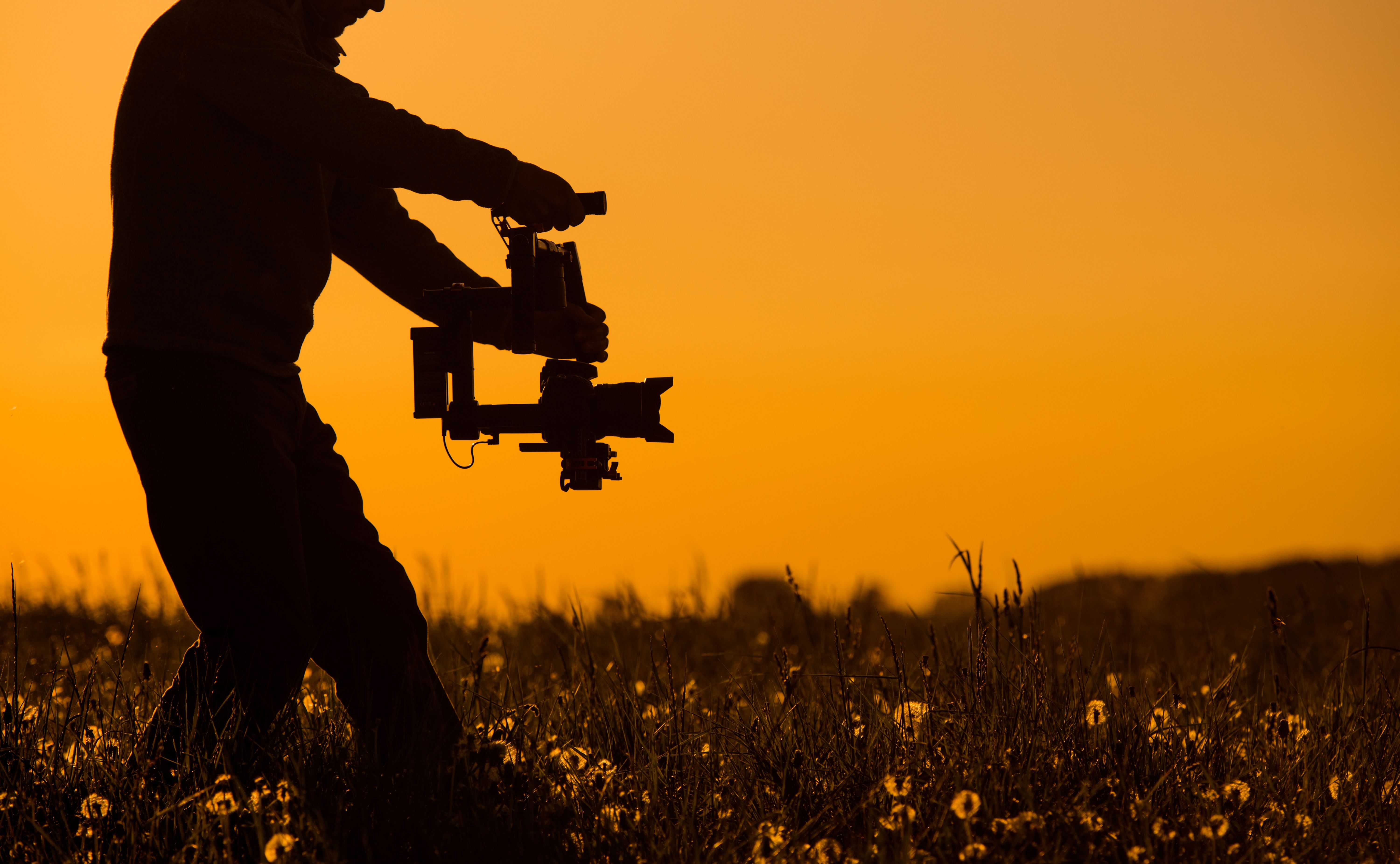
- Use a gimbal: A gimbal is a handheld device that helps stabilize your smartphone, resulting in smooth and professional-looking videos.
- Employ digital stabilization: Many smartphones come with built-in digital stabilization features. Make sure to enable this in your settings if available.
- Practice steady hand techniques: Hold your phone with both hands and keep your elbows close to your body to minimize movement.
Lighting and Composition
Lighting plays a crucial role in the quality of your video. Natural light is often the best option, so try to shoot during the golden hours—early morning or late afternoon. If you're shooting indoors, consider using additional lighting like LED panels to ensure your subject is well-lit.
Composition is another important aspect of mobile videography. Use the rule of thirds to create balanced and visually appealing shots. Most smartphones offer grid lines in the camera app to assist with this. Additionally, experiment with different angles and perspectives to add variety to your footage.

Editing on the Go
Editing is where your raw footage transforms into a polished video. Thankfully, there are numerous mobile apps available that make editing on the go both convenient and powerful. Apps like Adobe Premiere Rush and iMovie offer a range of features to trim clips, add transitions, and incorporate music.
When editing, keep in mind the pacing of your video. Attention spans are short, so aim for concise storytelling. Use cuts and transitions strategically to maintain the viewer's interest throughout your video.
Sound Matters
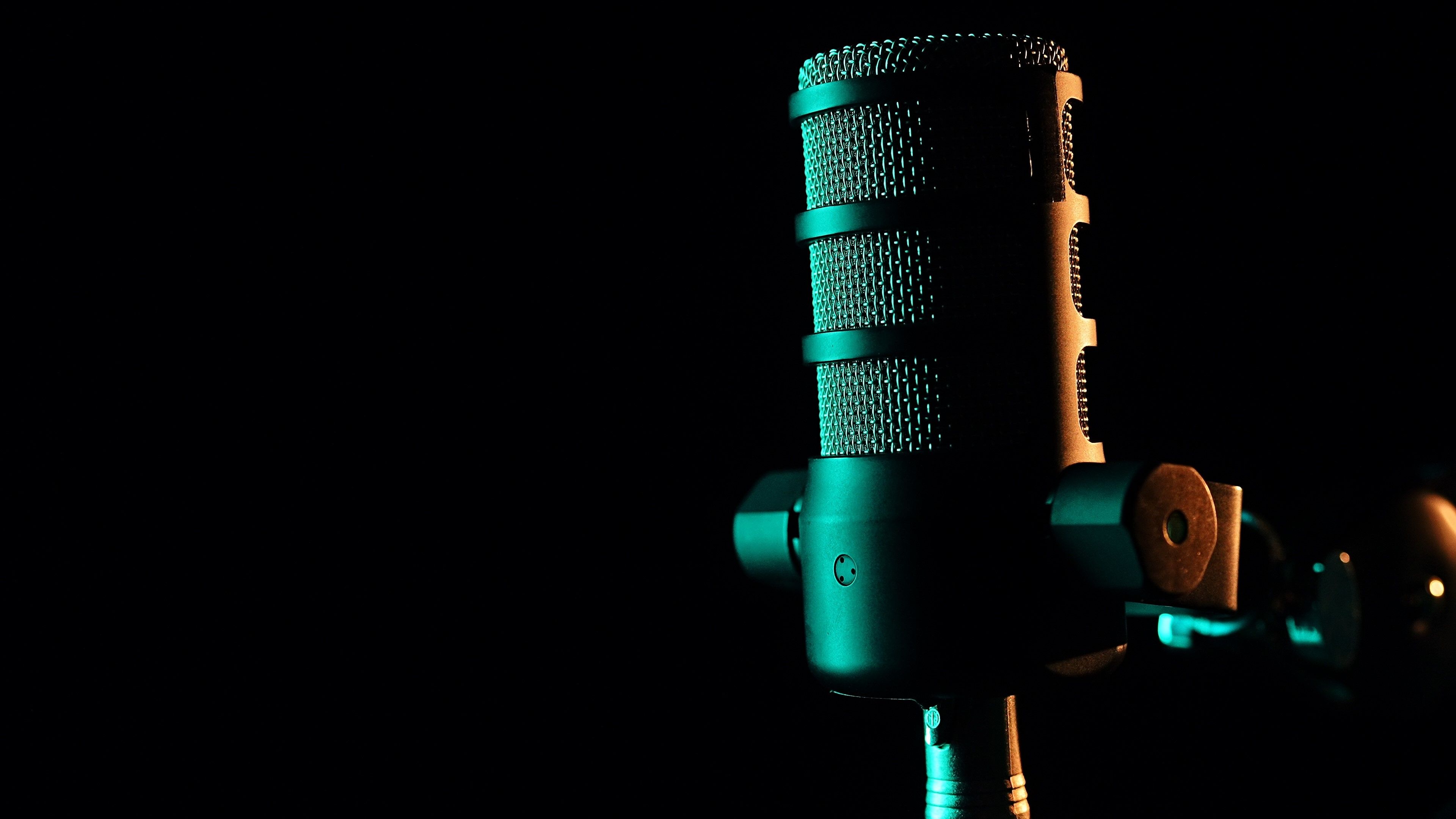
Often overlooked, sound is an integral part of any video. Poor audio quality can detract from even the most stunning visuals. Consider using an external microphone for clearer audio, especially in noisy environments. Additionally, pay attention to background noise and eliminate distractions where possible.
Incorporate sound effects and music thoughtfully to enhance your video. Ensure that any music you use is royalty-free or properly licensed to avoid copyright issues.
Final Thoughts
Mastering mobile videography is a journey of exploration and creativity. By understanding your equipment, practicing stabilization, focusing on lighting and composition, and refining your editing skills, you can produce compelling videos that captivate your audience. Remember, the best way to improve is through practice and experimentation, so keep filming and have fun with it!